Minecraft Plugin
Image To Painting
Turn any image into a Minecraft masterpiece.
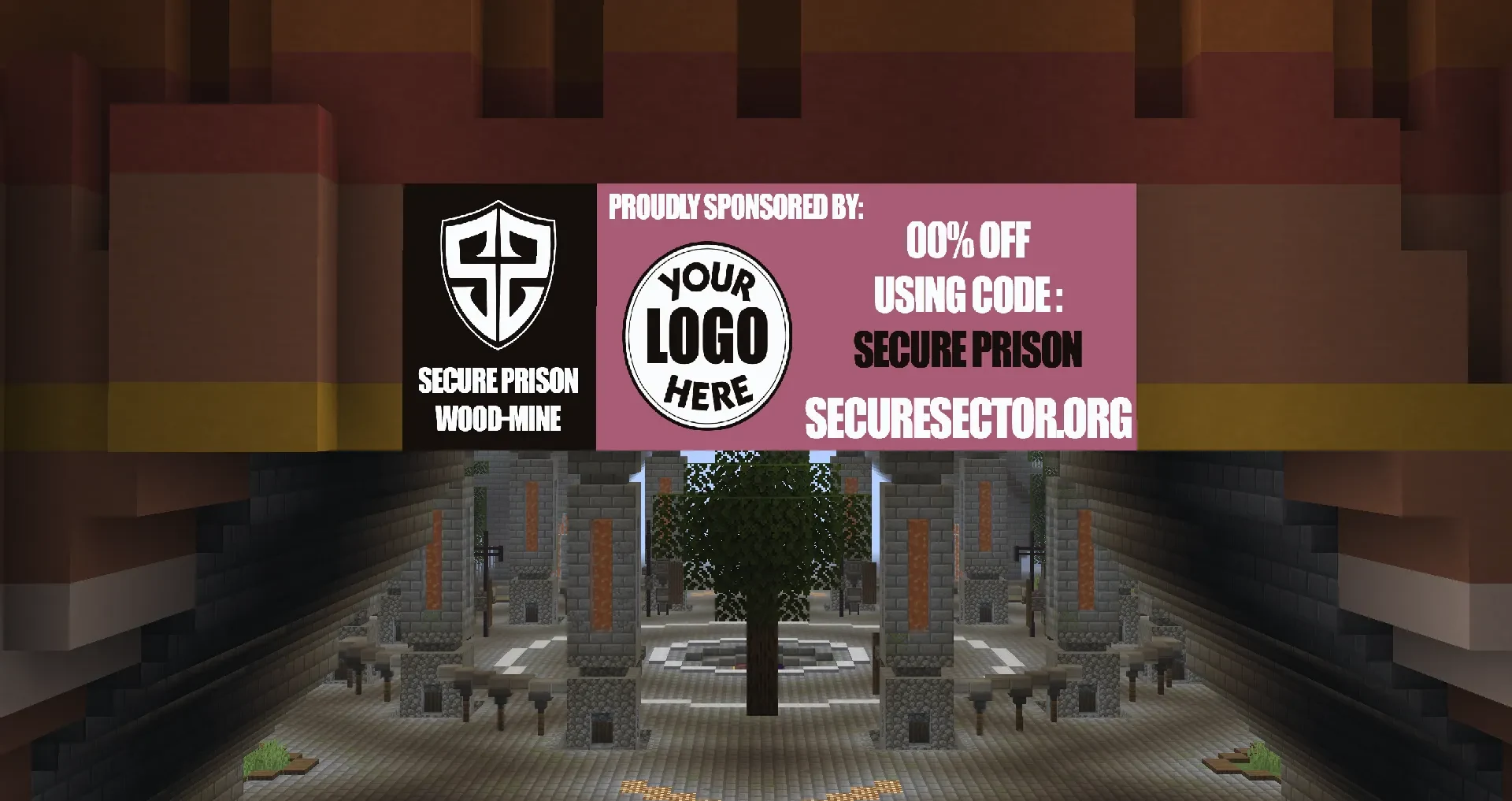
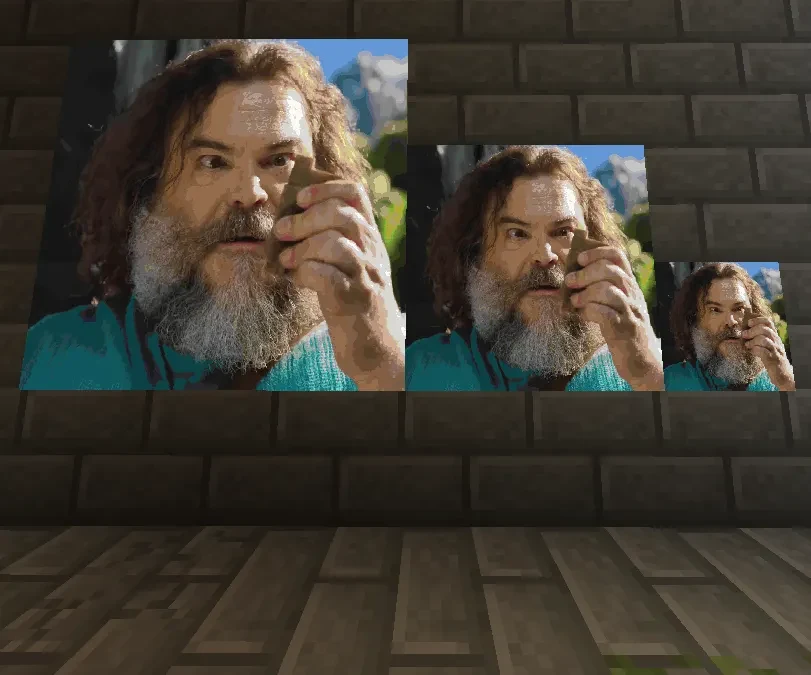
Image-To-Painting lets you transform a file or URL into a fully rendered Minecraft painting using in-game maps. Whether you want to showcase custom art, logos, or server sponsors, the plugin is designed to keep the workflow simple, customizable, and lag-conscious.
Features
- Image Upload Options — valid online image URLs or files placed in the images folder.
- Economy Support — add a fee to use maps.
- Multi-Map Support — automatically split large images across map tiles.
- Inventory Overflow Handling — safely drops maps if inventory is full.
- High Performance — optimized rendering with minimal server impact.
- Custom Map IDs / names — organize and reuse artwork.
- Permission Nodes — control rendering, placement, administration, and economy bypass.
- Atomic registry — safer persistence to reduce render-registry corruption risk.
- Offline-safe async — cancel rendering safely when a user disconnects.
- Persistent render data across restarts.
Commands
/itp render <name> <URL|file> <width> <height> <fit|fill> [quality]
/itp list
/itp info <name>
/itp give <name>
/itp give <name> full
/itp give <name> row <row>
/itp give <name> column <column>
/itp place <name> wall
/itp place <name> air <north|south|east|west> [distance]
/itp frame <name> <north|south|east|west> [distance]
/itp rebuild <name>
/itp rebuild <name> <width> <height> [fit|fill]
/itp quality <name> <fast|balanced|high|photo>
/itp rename <current-name> <new-name>
/itp delete <name>
/itp reload
Permissions
imagetopainting.use
imagetopainting.admin
imagetopainting.render
imagetopainting.give
imagetopainting.place
imagetopainting.frame
imagetopainting.rebuild
imagetopainting.quality
imagetopainting.rename
imagetopainting.list
imagetopainting.delete
imagetopainting.reload
imagetopainting.economy.bypass
imagetopainting.update.notify
Configuration
- Enable or disable payment per map.
- Change price per map and currency name.
- Dither: none, bayer8, fs.
- Interpolation: nearest, bilinear, bicubic.
- Multistep and sharpening controls.
- Sharpness tuning.
- Customizable width and height limits.
- Default render mode: fit or fill.
Uses
- Server artwork displays
- Minigame arenas
- In-game advertisements
- Custom maps and adventures
- Museum builds